
Math practice you don't have to manage.
Your student works with pencil and paper. MathMigo does the planning around them: today’s worksheets, grading the finished pages, and what comes next. All in ChatGPT.
Every day, in four steps
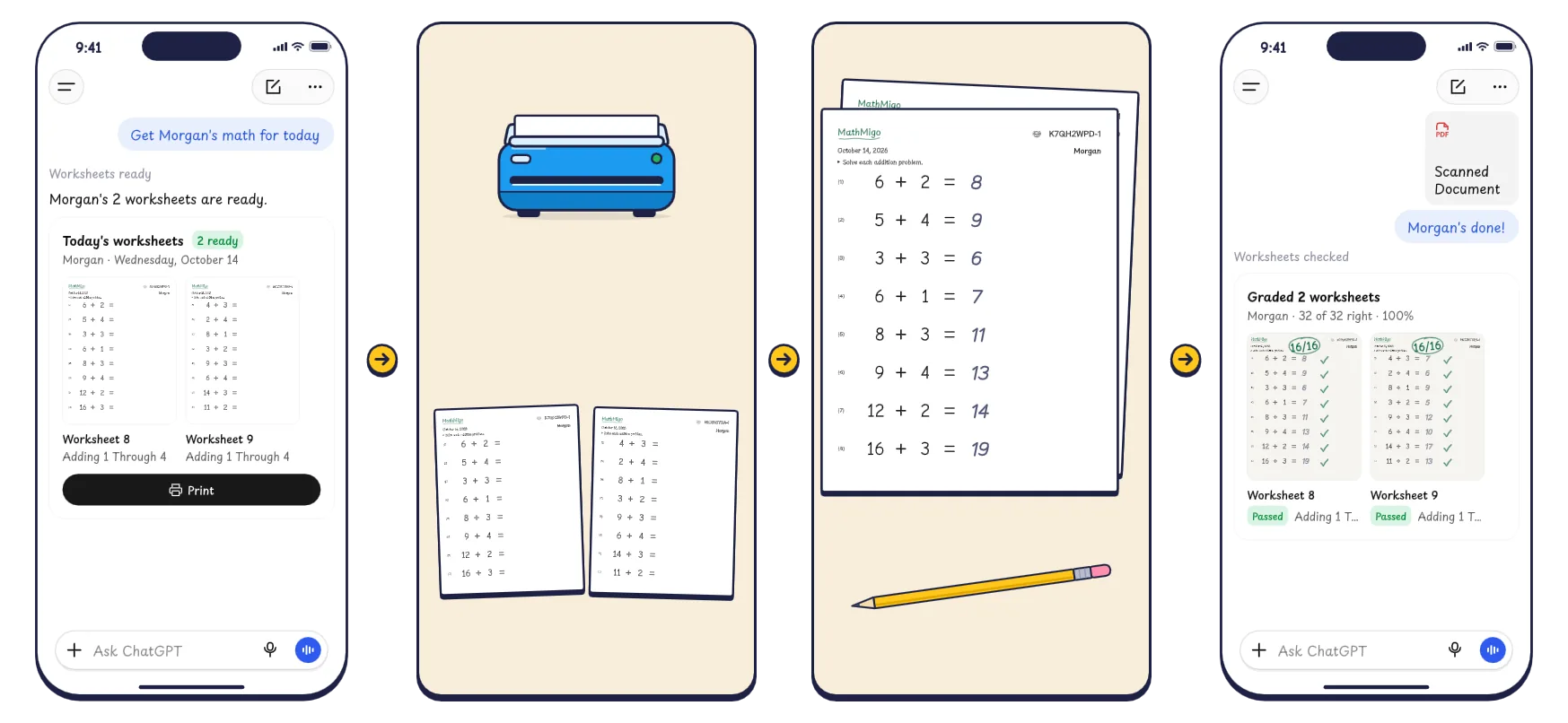
Ask
Print
Practice
Scan
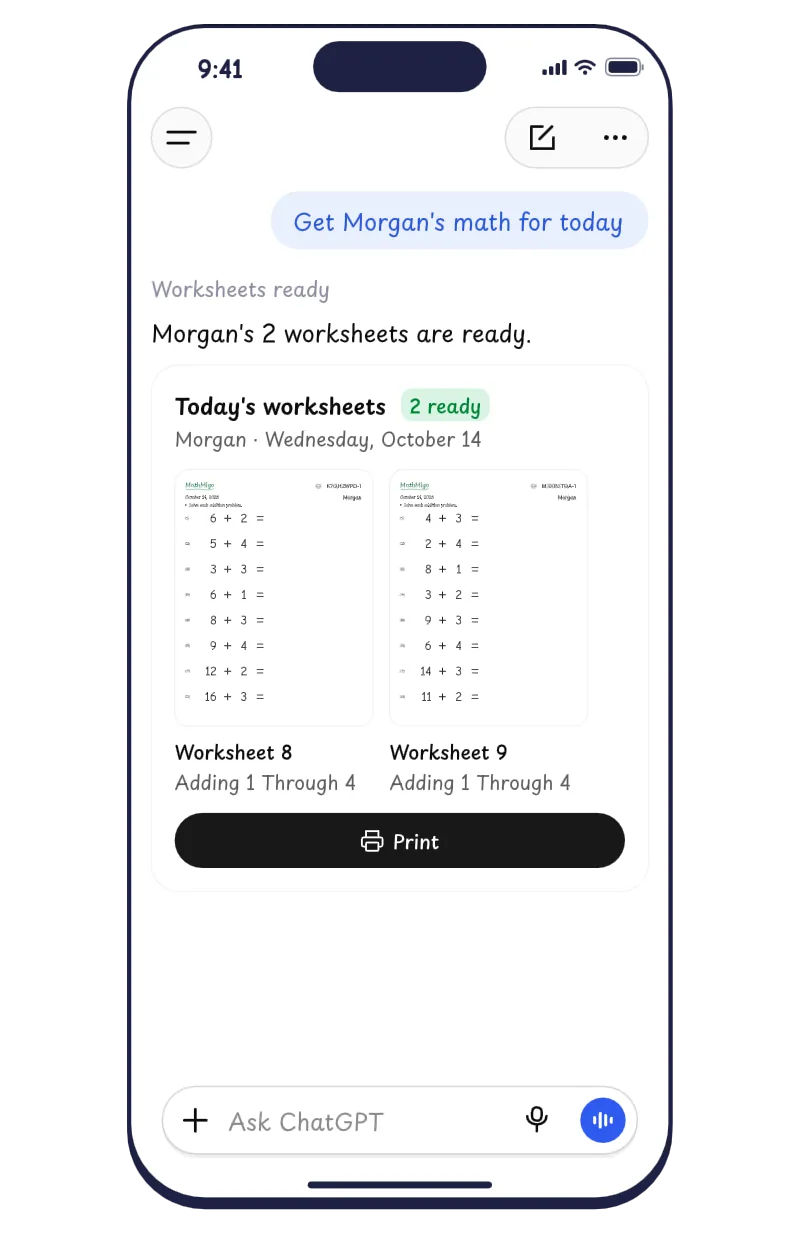
Ask
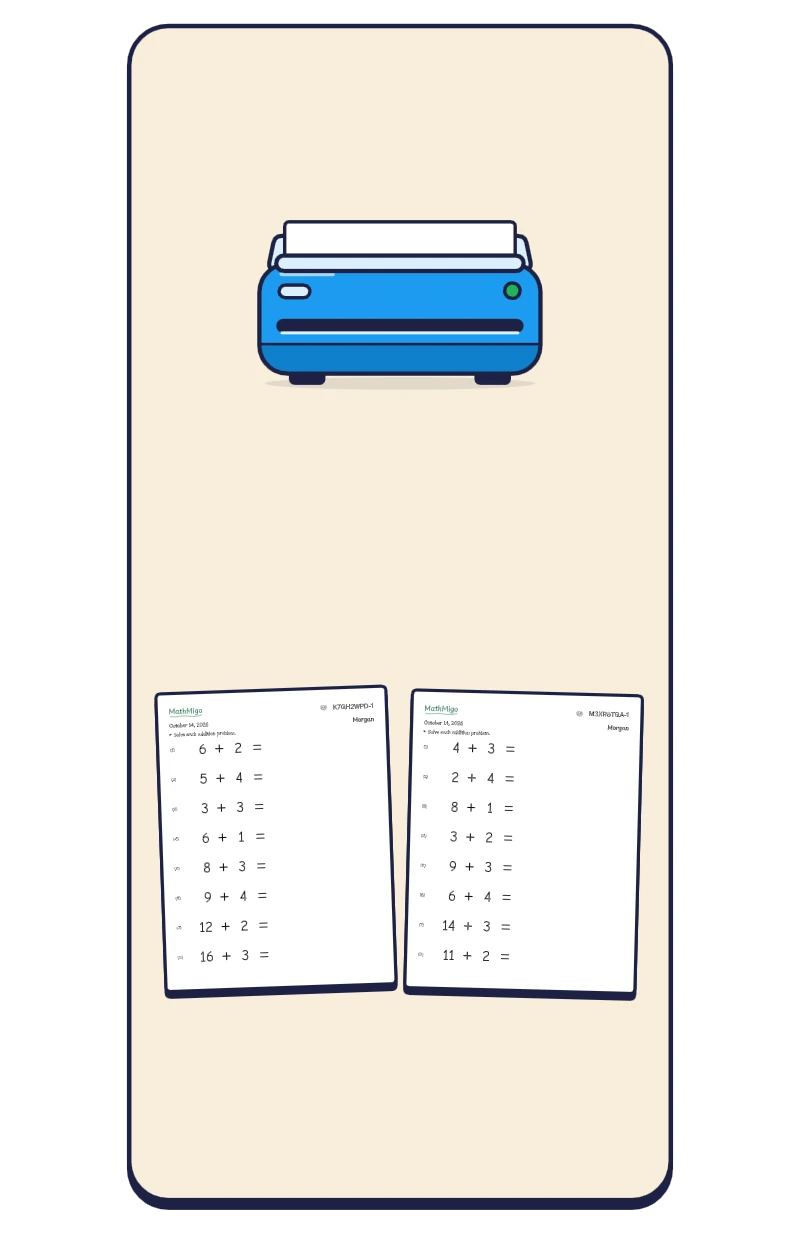
Print
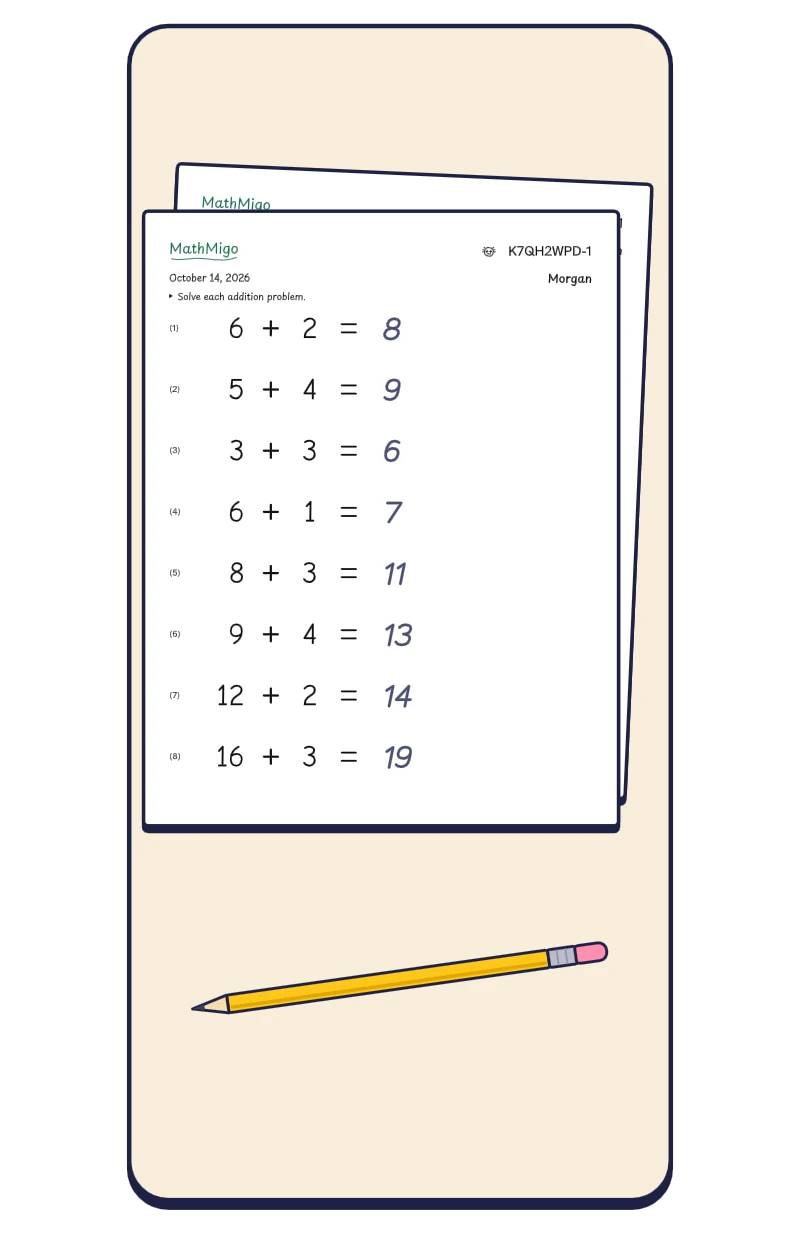
Practice
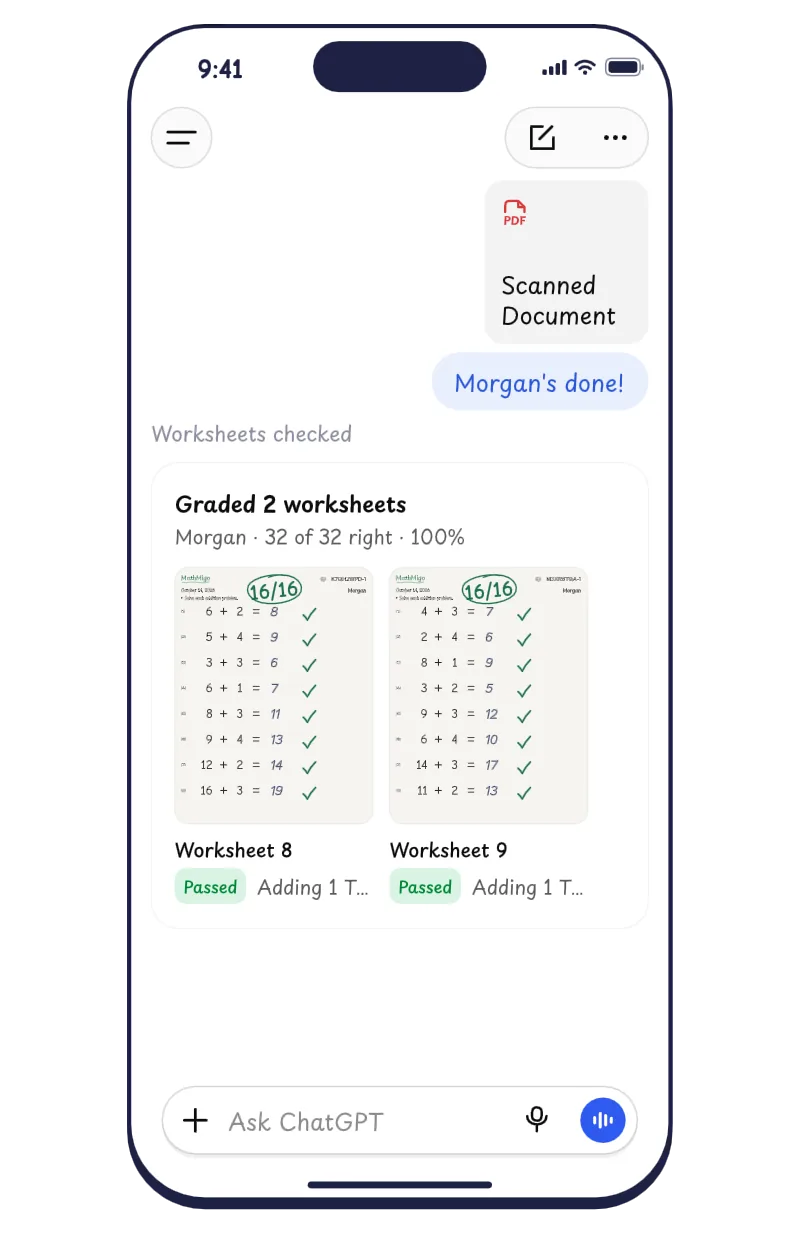
Scan
Watch it add up
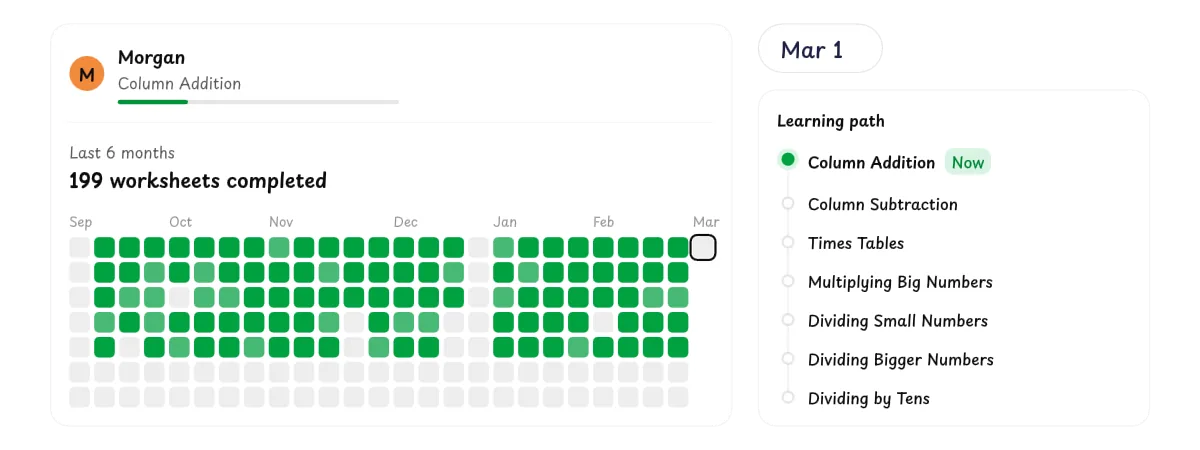
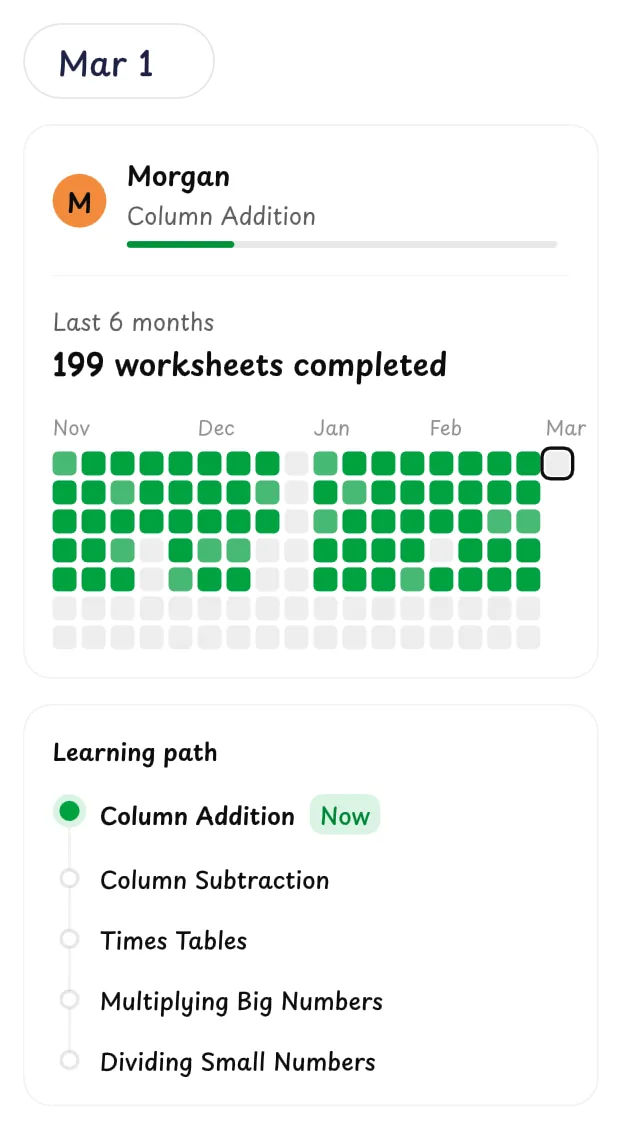
It lives in ChatGPT
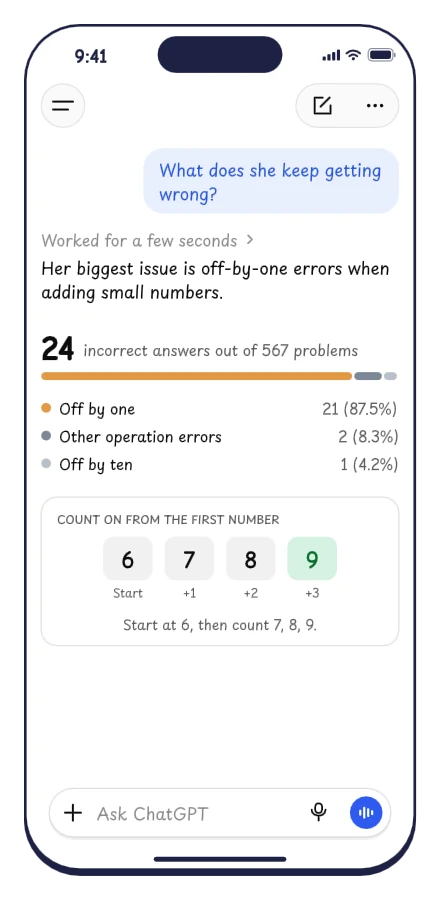
Ask it anything
It’s ChatGPT, so you can just ask. Every answer comes from your student’s real work.
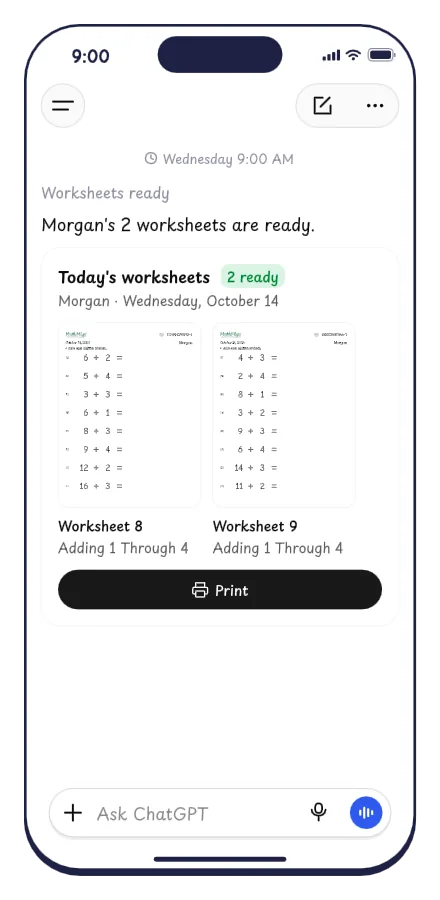
Schedule it once
Set it up once as a ChatGPT scheduled task. It runs on its own and tells you when the worksheets are ready to print.
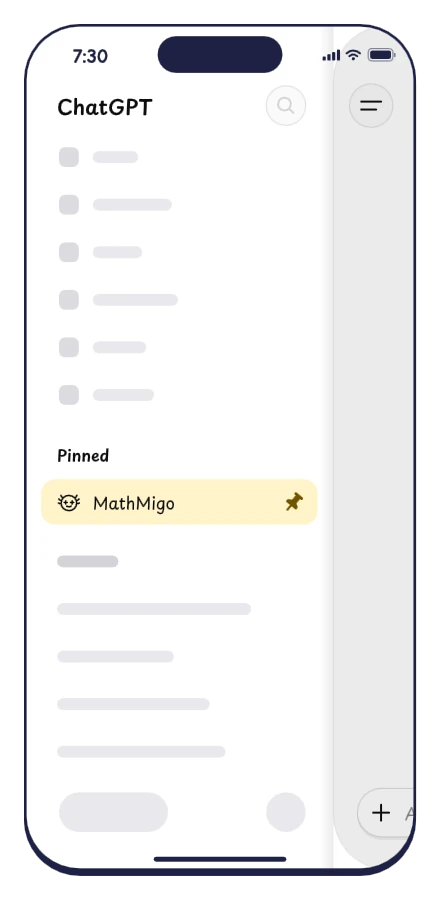
Pin it to your sidebar
Pin MathMigo in ChatGPT’s sidebar. One tap opens your home, with today’s worksheets and how each student is doing.
Common questions
How much does it cost?
Nothing while MathMigo is in beta. We’ll tell you before that changes.
What do I need?
A paid ChatGPT plan and a printer. MathMigo runs inside ChatGPT, and ChatGPT’s free plan can’t use apps like MathMigo.
I don’t have a printer. What should I do?
Most public libraries give cardholders some free printing every day, often 10 pages or more, which is enough for a day of MathMigo worksheets. If MathMigo sticks, a basic home printer is a one-time buy that pays for itself over years of worksheets.
Does my student use ChatGPT?
No. Your student only ever sees paper. You print the worksheets, they work with a pencil, and you send ChatGPT a photo of the finished pages.
How long does it take each day?
About ten minutes. Most days are two worksheets, and you can ask ChatGPT for more or fewer.
What math does it cover?
Kindergarten through 8th grade math in one path: adding and subtracting, times tables and division, fractions and decimals, then negative numbers and equations. MathMigo starts your student a little below where they are and moves them up from there.
How are the worksheets checked?
Scan the finished pages with ChatGPT’s camera. MathMigo checks every answer, tells you how it went, and gets the next worksheets ready. If it misreads a number, just say so in the chat.

Request an invite.
Tell us about your student and we’ll email you when we can add your family.